<p></p>
<p>Let's be honest, when you built your WordPress site, you probably weren't thinking about hackers. You were thinking about your business, your customers, and getting your message out into the world. Totally fair.</p>
<p>But here's the thing: WordPress powers over 40% of the web, which makes it a massive target. And in 2026, the threats have gotten smarter, faster, and way more automated. The good news? Protecting your site doesn't have to be complicated. You just need to know what boxes to check.</p>
<p>Consider this your friendly wake-up call. We're going to walk through a simple five-point security checklist that'll help you sleep better at night knowing your website isn't going to become someone else's playground.</p>
<hr>
<h3>Why Website Security Matters More Than Ever</h3>
<p>Before we dive into the checklist, let's talk about why this stuff actually matters.</p>
<p>A compromised website isn't just an inconvenience, it's a business killer. We're talking about lost customer trust, tanked SEO rankings, stolen data, and potentially days (or weeks) of downtime while you scramble to fix things. Not exactly the vibe you're going for.</p>
<p>The reality is that most WordPress attacks aren't personal. Bots are constantly scanning the web for vulnerable sites, and if yours has a weak spot, they'll find it. The average small business website gets attacked dozens of times per day. Most of those attempts fail, but it only takes one success to ruin your week.</p>
<p>So yeah, wordpress security isn't optional anymore. It's table stakes.</p>
<hr>
<h2>The 2026 WordPress Security Checklist</h2>
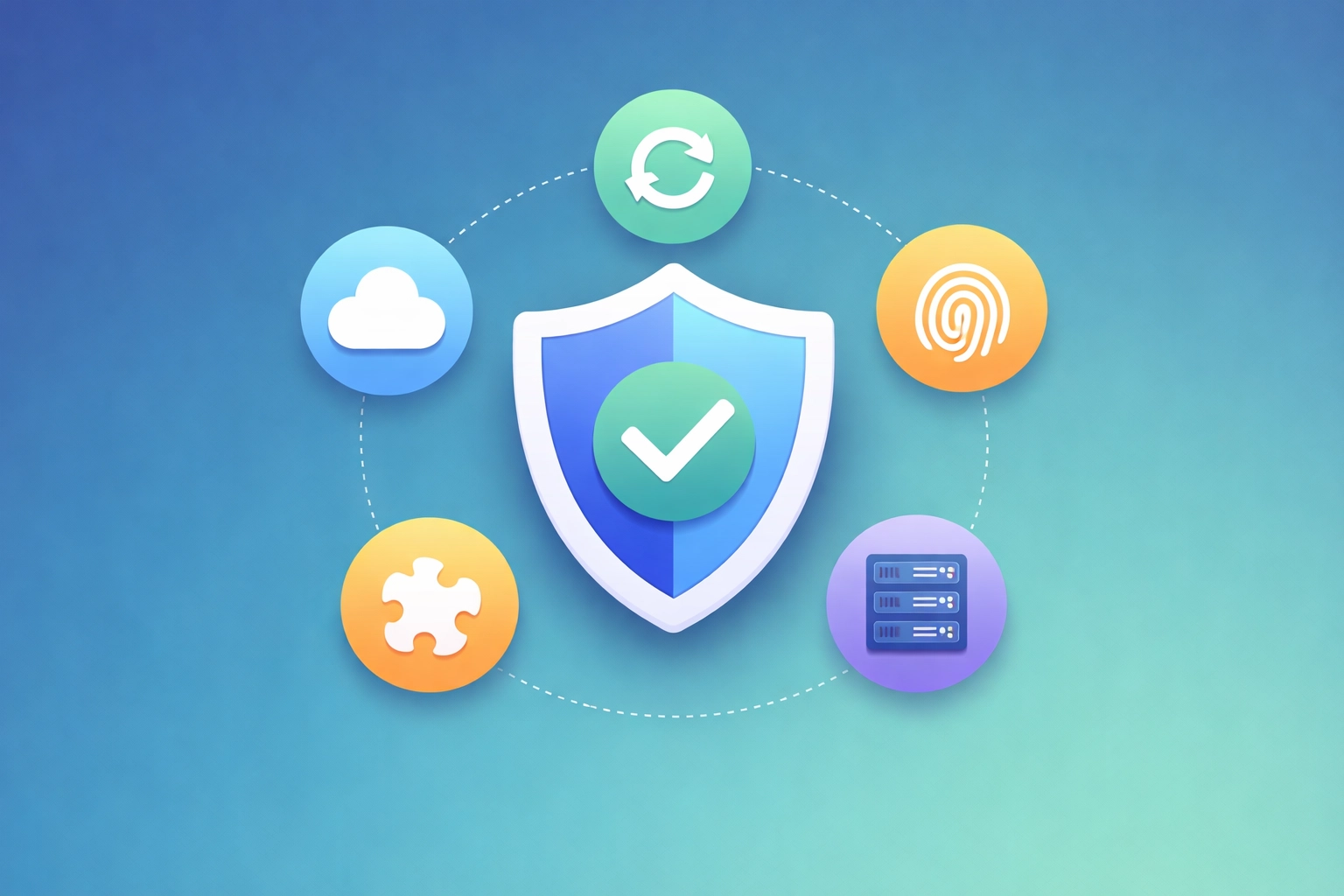
<p>Alright, let's get into it. Here are the five things every WordPress site owner should have locked down this year.</p>
<p><img src="https://cdn.marblism.com/uBAiH1eFoIM.webp" alt="WordPress security checklist illustration showing five key protection elements including backups, updates, and authentication" style="max-width: 100%; height: auto;"></p>
<h3>1. Real-Time Backups</h3>
<p>This is your safety net. If everything else fails: if your site gets hacked, if a plugin update breaks everything, if your hosting provider has a catastrophic meltdown: a solid backup means you can restore your site and get back to business.</p>
<p>But here's where a lot of folks get it wrong: they set up backups once and forget about them. Or they're only backing up weekly. In 2026, that's not enough.</p>
<p><strong>What you need:</strong></p>
<ul>
<li><strong>Daily automated backups</strong> at minimum (real-time is even better)</li>
<li><strong>Off-site storage</strong>: your backups shouldn't live on the same server as your site</li>
<li><strong>Easy one-click restoration</strong> so you're not fumbling around when things go sideways</li>
<li><strong>Regular testing</strong> to make sure your backups actually work</li>
</ul>
<p>Think of backups like insurance. You hope you never need them, but when you do, you'll be incredibly grateful they're there.</p>
<hr>
<h3>2. Managed Core and Plugin Updates</h3>
<p>Here's a stat that might make you uncomfortable: the majority of WordPress hacks happen through outdated plugins, themes, or WordPress core files. Not through some sophisticated zero-day exploit: just basic neglect.</p>
<p>The WordPress ecosystem moves fast. Security patches drop constantly, and every day you wait to update is another day you're vulnerable.</p>
<p><strong>What you need:</strong></p>
<ul>
<li><strong>Automatic WordPress core updates</strong> enabled</li>
<li><strong>Regular plugin and theme updates</strong>: ideally within 24-48 hours of release</li>
<li><strong>Compatibility testing</strong> before major updates go live (because nothing's worse than an update that breaks your site)</li>
<li><strong>A staging environment</strong> to test changes before they hit your live site</li>
</ul>
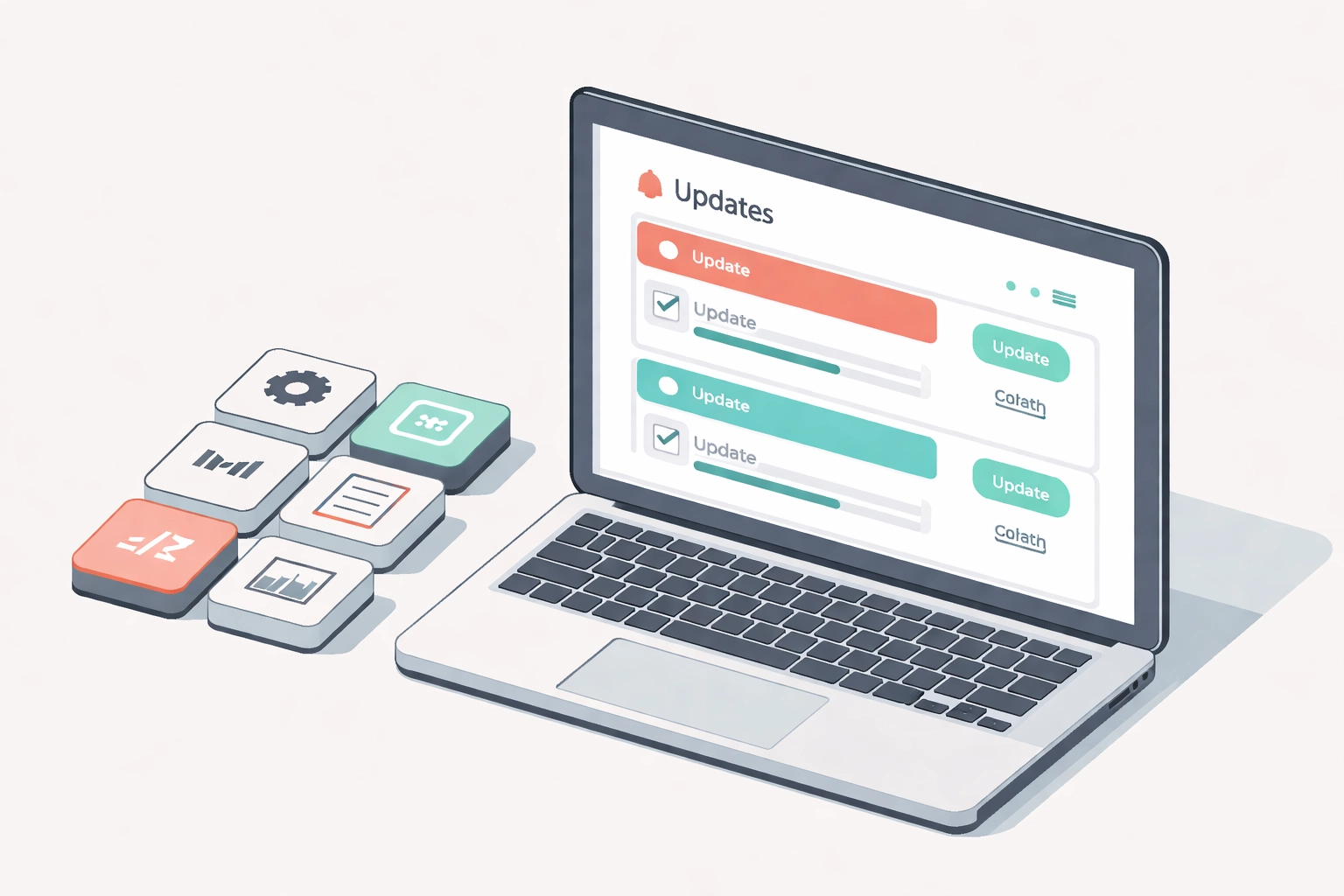
<p>The tricky part? Sometimes updates conflict with each other. Sometimes a plugin update breaks your theme. This is where having proper wordpress maintenance really pays off: someone needs to be watching this stuff and handling issues before they become problems.</p>
<p><img src="https://cdn.marblism.com/SiKV0JIJmKz.webp" alt="WordPress maintenance dashboard displaying plugin updates and website management notifications" style="max-width: 100%; height: auto;"></p>
<hr>
<h3>3. Two-Factor Authentication and Strong Credentials</h3>
<p>If your admin password is "password123" or your business name followed by "2026," we need to have a serious conversation.</p>
<p>Brute force attacks are still incredibly common. Bots will hammer your login page with thousands of password combinations, hoping to get lucky. Two-factor authentication (2FA) stops them cold.</p>
<p><strong>What you need:</strong></p>
<ul>
<li><strong>2FA enabled for all admin accounts</strong>: use an authenticator app, not SMS</li>
<li><strong>Strong, unique passwords</strong>: we're talking 16+ characters with a mix of everything</li>
<li><strong>Limited login attempts</strong>: lock out IP addresses after a few failed tries</li>
<li><strong>No "admin" username</strong>: seriously, change it to literally anything else</li>
<li><strong>Regular user audits</strong>: remove old accounts and check for anything suspicious</li>
</ul>
<p>This is low-hanging fruit, folks. If you do nothing else on this list, at least get 2FA set up. It takes five minutes and dramatically improves your website security.</p>
<hr>
<h3>4. Secure Hosting Environment</h3>
<p>Your hosting provider is the foundation your site sits on. If that foundation is shaky, nothing you build on top of it will be truly secure.</p>
<p>Not all hosting is created equal. That $3/month shared hosting plan might seem like a great deal until you realize you're sharing server space with hundreds of other sites: any of which could be compromised and potentially affect you.</p>
<p><strong>What you need:</strong></p>
<ul>
<li><strong>SSL certificate</strong> installed and enforced (that little padlock in the browser)</li>
<li><strong>Server-level firewall</strong> and malware scanning</li>
<li><strong>Isolated hosting environment</strong>: your site shouldn't be affected by your neighbors</li>
<li><strong>Regular server updates</strong> and security patches</li>
<li><strong>DDoS protection</strong> to handle traffic attacks</li>
<li><strong>24/7 monitoring</strong> so issues get caught immediately</li>
</ul>
<p>Good <a href="https://dev-hero.com/hosting">hosting</a> isn't just about speed (though that matters too). It's about having a secure, stable environment where your site can thrive without constantly being under threat.</p>
<hr>
<h3>5. Routine Plugin Audits</h3>
<p>Plugins are what make WordPress so powerful and flexible. They're also one of its biggest vulnerabilities.</p>
<p>Every plugin you install is code written by someone else running on your site. Some plugins are maintained by dedicated teams with great security practices. Others... not so much. And that plugin you installed three years ago to add a cool feature you no longer use? It's still there, potentially with known security holes.</p>
<p><strong>What you need:</strong></p>
<ul>
<li><strong>Quarterly plugin audits</strong>: review everything installed on your site</li>
<li><strong>Remove unused plugins</strong> completely (deactivating isn't enough)</li>
<li><strong>Check plugin update history</strong>: if it hasn't been updated in 12+ months, find an alternative</li>
<li><strong>Research before installing</strong>: check reviews, active installations, and last update date</li>
<li><strong>Minimize plugin count</strong>: every plugin is a potential entry point</li>
</ul>
<p>A good rule of thumb: if you can accomplish something with built-in WordPress functionality or clean code, do that instead of adding another plugin.</p>
<hr>
<h2>The Dev Hero Edge: Security-First Workflows</h2>
<p>A lot of WordPress sites get “maintained” the old-school way: someone logs into wp-admin, clicks around, edits files directly on the server, and hopes nothing breaks. That’s how sites get messy over time—and messy sites are harder to secure.</p>
<p>At Dev Hero, we treat your site like real software (because it is). For custom WordPress builds, we use a GitHub-based workflow:</p>
<ul>
<li><strong>Code lives in version control (Git/GitHub)</strong> so we always know <em>what changed, when, and by who</em></li>
<li><strong>Pull requests + code review</strong> so changes get another set of eyes before going live</li>
<li><strong>Automated deployments (CI/CD)</strong> so updates ship the same way every time (no “I swear I didn’t touch anything” moments)</li>
<li><strong>No manual production edits</strong> which reduces drift, prevents mystery files, and makes security fixes repeatable</li>
</ul>
<p>This setup doesn’t just make development smoother—it keeps sites cleaner, easier to audit, and a whole lot more secure than the “hotfix it directly on the live site” approach.</p>
<hr>
<h2>Custom Theme & Plugin Security</h2>
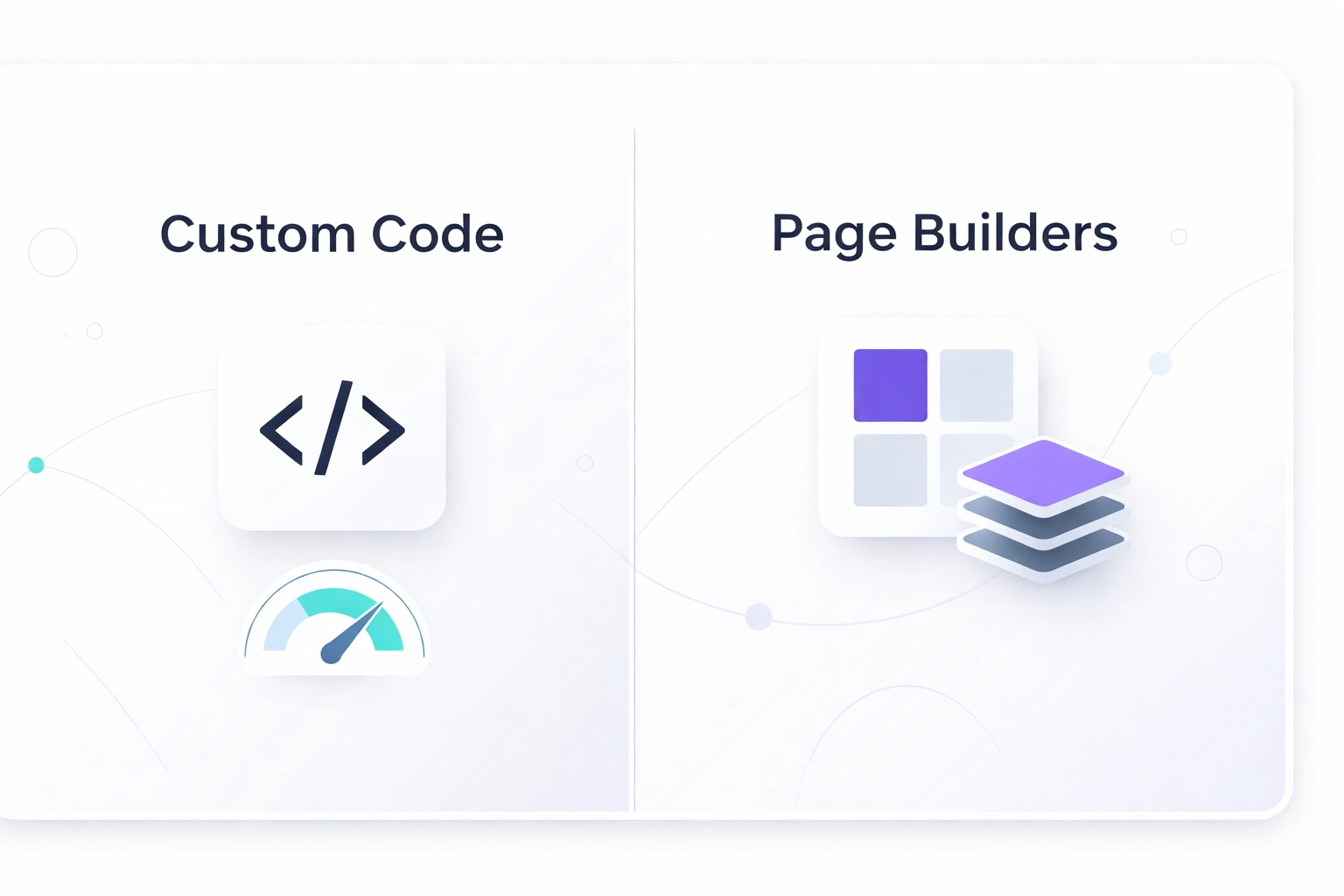
<p>We build a ton of custom themes and plugins, and here’s the honest truth: <strong>custom-coded solutions are often <em>more</em> secure than installing a giant, one-size-fits-all page builder stack</strong>.</p>
<p>Page builders and “kitchen sink” plugin suites aren’t automatically bad, but they tend to come with:</p>
<ul>
<li><strong>A bigger attack surface</strong> (more features = more code paths = more potential vulnerabilities)</li>
<li><strong>More third-party dependencies</strong> (you’re trusting a lot of code you didn’t choose)</li>
<li><strong>Plugin bloat</strong> (extra modules you don’t use… but attackers can still target)</li>
<li><strong>Inconsistent update cycles</strong> across multiple add-ons</li>
</ul>
<p>With custom work, we can keep things tight:</p>
<ul>
<li><strong>Only the features you actually need</strong> (less code, fewer entry points)</li>
<li><strong>WordPress best practices</strong> (proper sanitization/escaping, nonces, capabilities checks)</li>
<li><strong>Clean separation of concerns</strong> (theme handles presentation, plugin handles functionality)</li>
<li><strong>Easier long-term maintenance</strong> because you’re not fighting a sprawling builder ecosystem</li>
</ul>
<p>In other words: instead of bolting on 15 plugins to do what your business needs, we’d rather build the 2–3 pieces that do it well—and do it safely.</p>
<hr>
<h2>Let Dev Hero Handle the Heavy Lifting</h2>
<p>Look, we get it. You didn't start your business to become a WordPress security expert. You've got customers to serve, products to ship, and a million other things demanding your attention.</p>
<p>That's exactly why we offer comprehensive wordpress support and maintenance services. Our team handles all of this for you:</p>
<ul>
<li><strong>Daily backups</strong> stored securely off-site</li>
<li><strong>Proactive updates</strong> with compatibility testing</li>
<li><strong>Security monitoring</strong> and threat detection</li>
<li><strong>Regular audits</strong> of your plugins, themes, and user accounts</li>
<li><strong>Fast response</strong> if something does go wrong</li>
</ul>
<p>We've seen what happens when security gets neglected, and we've helped plenty of business owners recover from attacks that could have been prevented. It's way easier (and cheaper) to stay secure than to clean up a mess after the fact.</p>
<p>When you work with Dev Hero, you're not just getting wordpress maintenance: you're getting peace of mind. You can focus on running your business while we make sure your website stays safe, fast, and online.</p>
<hr>
<h2>Ready to Lock Things Down?</h2>
<p>Website security doesn't have to be overwhelming. Start with the basics: get your backups sorted, enable 2FA, and take a hard look at your plugins. Those three things alone will put you ahead of most WordPress sites out there.</p>
<p>But if you'd rather hand this off to someone who lives and breathes this stuff, we're here for you. <a href="https://dev-hero.com/meetings">Book a call with our team</a> and let's talk about how we can keep your site secure so you can get back to doing what you do best.</p>
<p>Your website is too important to leave vulnerable. Let's make sure it's ready for whatever 2026 throws at it.</p>
<hr>
<h2>Quick Security Audit Checklist (Print This)</h2>
<table>
<thead>
<tr>
<th>Audit Item</th>
<th>What “Good” Looks Like</th>
<th>Quick Self-Check</th>
</tr>
</thead>
<tbody><tr>
<td>Backups</td>
<td>Automated daily (or real-time), off-site, tested restores</td>
<td>Can you restore in < 15 minutes?</td>
</tr>
<tr>
<td>Updates</td>
<td>Core/plugins/themes updated fast, tested in staging</td>
<td>Anything overdue more than 7 days?</td>
</tr>
<tr>
<td>Admin Access</td>
<td>2FA on all admins, strong passwords, no shared logins</td>
<td>Any “admin/admin” style accounts?</td>
</tr>
<tr>
<td>Users & Roles</td>
<td>Least-privilege roles, old users removed</td>
<td>Anyone who shouldn’t have access?</td>
</tr>
<tr>
<td>Plugin Hygiene</td>
<td>Minimal plugins, unused removed, actively maintained</td>
<td>Any plugin not updated in 12+ months?</td>
</tr>
<tr>
<td>Hosting Security</td>
<td>SSL enforced, WAF/firewall, malware scans, isolation</td>
<td>Are you on cheap shared hosting?</td>
</tr>
<tr>
<td>Deployment Process</td>
<td>Git version control + automated deploys, no live edits</td>
<td>Are changes made directly in wp-admin?</td>
</tr>
<tr>
<td>Custom Code Review</td>
<td>Input sanitized, output escaped, capabilities checked</td>
<td>When was the last code review?</td>
</tr>
<tr>
<td>Monitoring</td>
<td>Uptime + security alerts + log review</td>
<td>Would you know within minutes of an issue?</td>
</tr>
<tr>
<td>Recovery Plan</td>
<td>Documented steps + who to call + credentials stored safely</td>
<td>Could you execute it under stress?</td>
</tr>
</tbody></table>
Let's be honest, when you built your WordPress site, you probably weren't thinking about hackers. You were thinking about your business, your customers, and getting your message out into the world. Totally fair.
But here's the thing: WordPress powers over 40% of the web, which makes it a massive target. And in 2026, the threats have gotten smarter, faster, and way more automated. The good news? Protecting your site doesn't have to be complicated. You just need to know what boxes to check.
Consider this your friendly wake-up call. We're going to walk through a simple five-point security checklist that'll help you sleep better at night knowing your website isn't going to become someone else's playground.
Why Website Security Matters More Than Ever
Before we dive into the checklist, let's talk about why this stuff actually matters.
A compromised website isn't just an inconvenience, it's a business killer. We're talking about lost customer trust, tanked SEO rankings, stolen data, and potentially days (or weeks) of downtime while you scramble to fix things. Not exactly the vibe you're going for.
The reality is that most WordPress attacks aren't personal. Bots are constantly scanning the web for vulnerable sites, and if yours has a weak spot, they'll find it. The average small business website gets attacked dozens of times per day. Most of those attempts fail, but it only takes one success to ruin your week.
So yeah, wordpress security isn't optional anymore. It's table stakes.
The 2026 WordPress Security Checklist
Alright, let's get into it. Here are the five things every WordPress site owner should have locked down this year.
1. Real-Time Backups
This is your safety net. If everything else fails: if your site gets hacked, if a plugin update breaks everything, if your hosting provider has a catastrophic meltdown: a solid backup means you can restore your site and get back to business.
But here's where a lot of folks get it wrong: they set up backups once and forget about them. Or they're only backing up weekly. In 2026, that's not enough.
What you need:
- Daily automated backups at minimum (real-time is even better)
- Off-site storage: your backups shouldn't live on the same server as your site
- Easy one-click restoration so you're not fumbling around when things go sideways
- Regular testing to make sure your backups actually work
Think of backups like insurance. You hope you never need them, but when you do, you'll be incredibly grateful they're there.
2. Managed Core and Plugin Updates
Here's a stat that might make you uncomfortable: the majority of WordPress hacks happen through outdated plugins, themes, or WordPress core files. Not through some sophisticated zero-day exploit: just basic neglect.
The WordPress ecosystem moves fast. Security patches drop constantly, and every day you wait to update is another day you're vulnerable.
What you need:
- Automatic WordPress core updates enabled
- Regular plugin and theme updates: ideally within 24-48 hours of release
- Compatibility testing before major updates go live (because nothing's worse than an update that breaks your site)
- A staging environment to test changes before they hit your live site
The tricky part? Sometimes updates conflict with each other. Sometimes a plugin update breaks your theme. This is where having proper wordpress maintenance really pays off: someone needs to be watching this stuff and handling issues before they become problems.
3. Two-Factor Authentication and Strong Credentials
If your admin password is "password123" or your business name followed by "2026," we need to have a serious conversation.
Brute force attacks are still incredibly common. Bots will hammer your login page with thousands of password combinations, hoping to get lucky. Two-factor authentication (2FA) stops them cold.
What you need:
- 2FA enabled for all admin accounts: use an authenticator app, not SMS
- Strong, unique passwords: we're talking 16+ characters with a mix of everything
- Limited login attempts: lock out IP addresses after a few failed tries
- No "admin" username: seriously, change it to literally anything else
- Regular user audits: remove old accounts and check for anything suspicious
This is low-hanging fruit, folks. If you do nothing else on this list, at least get 2FA set up. It takes five minutes and dramatically improves your website security.
4. Secure Hosting Environment
Your hosting provider is the foundation your site sits on. If that foundation is shaky, nothing you build on top of it will be truly secure.
Not all hosting is created equal. That $3/month shared hosting plan might seem like a great deal until you realize you're sharing server space with hundreds of other sites: any of which could be compromised and potentially affect you.
What you need:
- SSL certificate installed and enforced (that little padlock in the browser)
- Server-level firewall and malware scanning
- Isolated hosting environment: your site shouldn't be affected by your neighbors
- Regular server updates and security patches
- DDoS protection to handle traffic attacks
- 24/7 monitoring so issues get caught immediately
Good hosting isn't just about speed (though that matters too). It's about having a secure, stable environment where your site can thrive without constantly being under threat.
5. Routine Plugin Audits
Plugins are what make WordPress so powerful and flexible. They're also one of its biggest vulnerabilities.
Every plugin you install is code written by someone else running on your site. Some plugins are maintained by dedicated teams with great security practices. Others... not so much. And that plugin you installed three years ago to add a cool feature you no longer use? It's still there, potentially with known security holes.
What you need:
- Quarterly plugin audits: review everything installed on your site
- Remove unused plugins completely (deactivating isn't enough)
- Check plugin update history: if it hasn't been updated in 12+ months, find an alternative
- Research before installing: check reviews, active installations, and last update date
- Minimize plugin count: every plugin is a potential entry point
A good rule of thumb: if you can accomplish something with built-in WordPress functionality or clean code, do that instead of adding another plugin.
The Dev Hero Edge: Security-First Workflows
A lot of WordPress sites get “maintained” the old-school way: someone logs into wp-admin, clicks around, edits files directly on the server, and hopes nothing breaks. That’s how sites get messy over time—and messy sites are harder to secure.
At Dev Hero, we treat your site like real software (because it is). For custom WordPress builds, we use a GitHub-based workflow:
- Code lives in version control (Git/GitHub) so we always know what changed, when, and by who
- Pull requests + code review so changes get another set of eyes before going live
- Automated deployments (CI/CD) so updates ship the same way every time (no “I swear I didn’t touch anything” moments)
- No manual production edits which reduces drift, prevents mystery files, and makes security fixes repeatable
This setup doesn’t just make development smoother—it keeps sites cleaner, easier to audit, and a whole lot more secure than the “hotfix it directly on the live site” approach.
Custom Theme & Plugin Security
We build a ton of custom themes and plugins, and here’s the honest truth: custom-coded solutions are often more secure than installing a giant, one-size-fits-all page builder stack.
Page builders and “kitchen sink” plugin suites aren’t automatically bad, but they tend to come with:
- A bigger attack surface (more features = more code paths = more potential vulnerabilities)
- More third-party dependencies (you’re trusting a lot of code you didn’t choose)
- Plugin bloat (extra modules you don’t use… but attackers can still target)
- Inconsistent update cycles across multiple add-ons
With custom work, we can keep things tight:
- Only the features you actually need (less code, fewer entry points)
- WordPress best practices (proper sanitization/escaping, nonces, capabilities checks)
- Clean separation of concerns (theme handles presentation, plugin handles functionality)
- Easier long-term maintenance because you’re not fighting a sprawling builder ecosystem
In other words: instead of bolting on 15 plugins to do what your business needs, we’d rather build the 2–3 pieces that do it well—and do it safely.
Let Dev Hero Handle the Heavy Lifting
Look, we get it. You didn't start your business to become a WordPress security expert. You've got customers to serve, products to ship, and a million other things demanding your attention.
That's exactly why we offer comprehensive wordpress support and maintenance services. Our team handles all of this for you:
- Daily backups stored securely off-site
- Proactive updates with compatibility testing
- Security monitoring and threat detection
- Regular audits of your plugins, themes, and user accounts
- Fast response if something does go wrong
We've seen what happens when security gets neglected, and we've helped plenty of business owners recover from attacks that could have been prevented. It's way easier (and cheaper) to stay secure than to clean up a mess after the fact.
When you work with Dev Hero, you're not just getting wordpress maintenance: you're getting peace of mind. You can focus on running your business while we make sure your website stays safe, fast, and online.
Ready to Lock Things Down?
Website security doesn't have to be overwhelming. Start with the basics: get your backups sorted, enable 2FA, and take a hard look at your plugins. Those three things alone will put you ahead of most WordPress sites out there.
But if you'd rather hand this off to someone who lives and breathes this stuff, we're here for you. Book a call with our team and let's talk about how we can keep your site secure so you can get back to doing what you do best.
Your website is too important to leave vulnerable. Let's make sure it's ready for whatever 2026 throws at it.
Quick Security Audit Checklist (Print This)
| Audit Item |
What “Good” Looks Like |
Quick Self-Check |
| Backups |
Automated daily (or real-time), off-site, tested restores |
Can you restore in < 15 minutes? |
| Updates |
Core/plugins/themes updated fast, tested in staging |
Anything overdue more than 7 days? |
| Admin Access |
2FA on all admins, strong passwords, no shared logins |
Any “admin/admin” style accounts? |
| Users & Roles |
Least-privilege roles, old users removed |
Anyone who shouldn’t have access? |
| Plugin Hygiene |
Minimal plugins, unused removed, actively maintained |
Any plugin not updated in 12+ months? |
| Hosting Security |
SSL enforced, WAF/firewall, malware scans, isolation |
Are you on cheap shared hosting? |
| Deployment Process |
Git version control + automated deploys, no live edits |
Are changes made directly in wp-admin? |
| Custom Code Review |
Input sanitized, output escaped, capabilities checked |
When was the last code review? |
| Monitoring |
Uptime + security alerts + log review |
Would you know within minutes of an issue? |
| Recovery Plan |
Documented steps + who to call + credentials stored safely |
Could you execute it under stress? |